For iPhone · Made for iOS 26+

Your recipes, organized.

A fast recipe manager for iPhone. Share a link, snap a photo of a cookbook page, or type one in. Plan the week, send the shopping list to Reminders, then cook from clear steps.

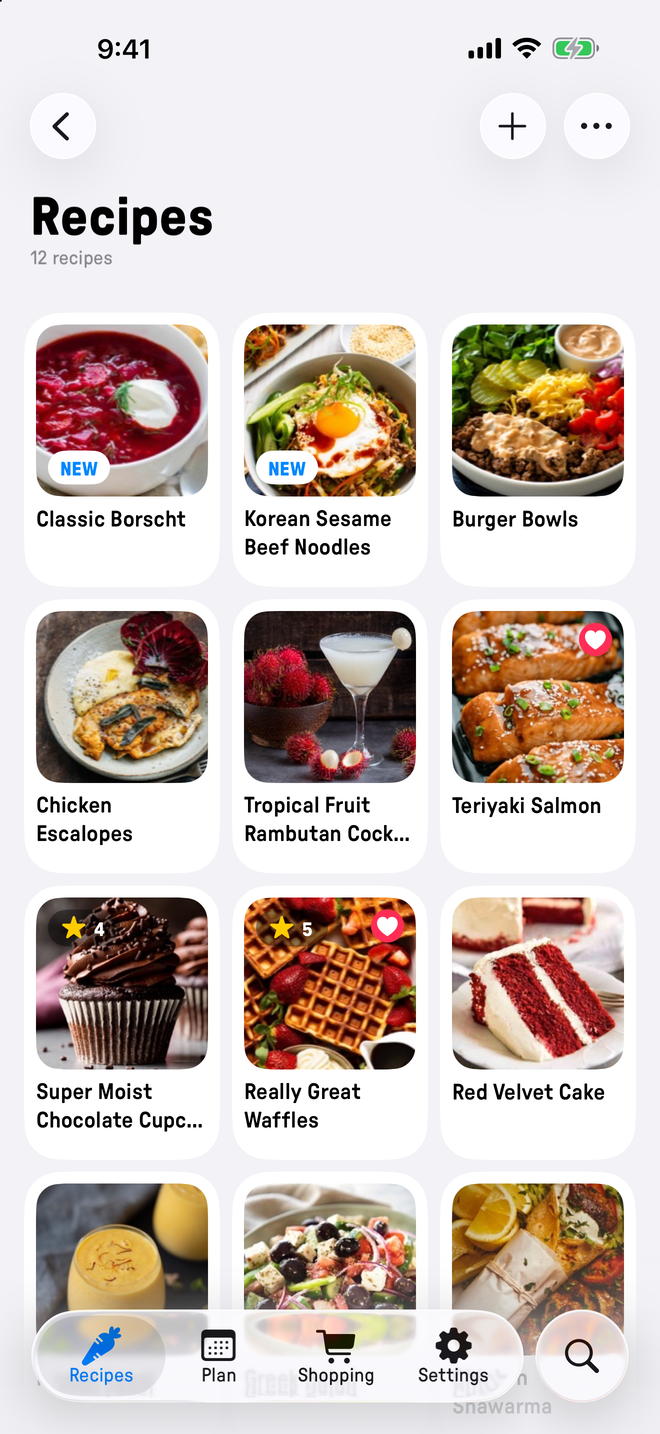
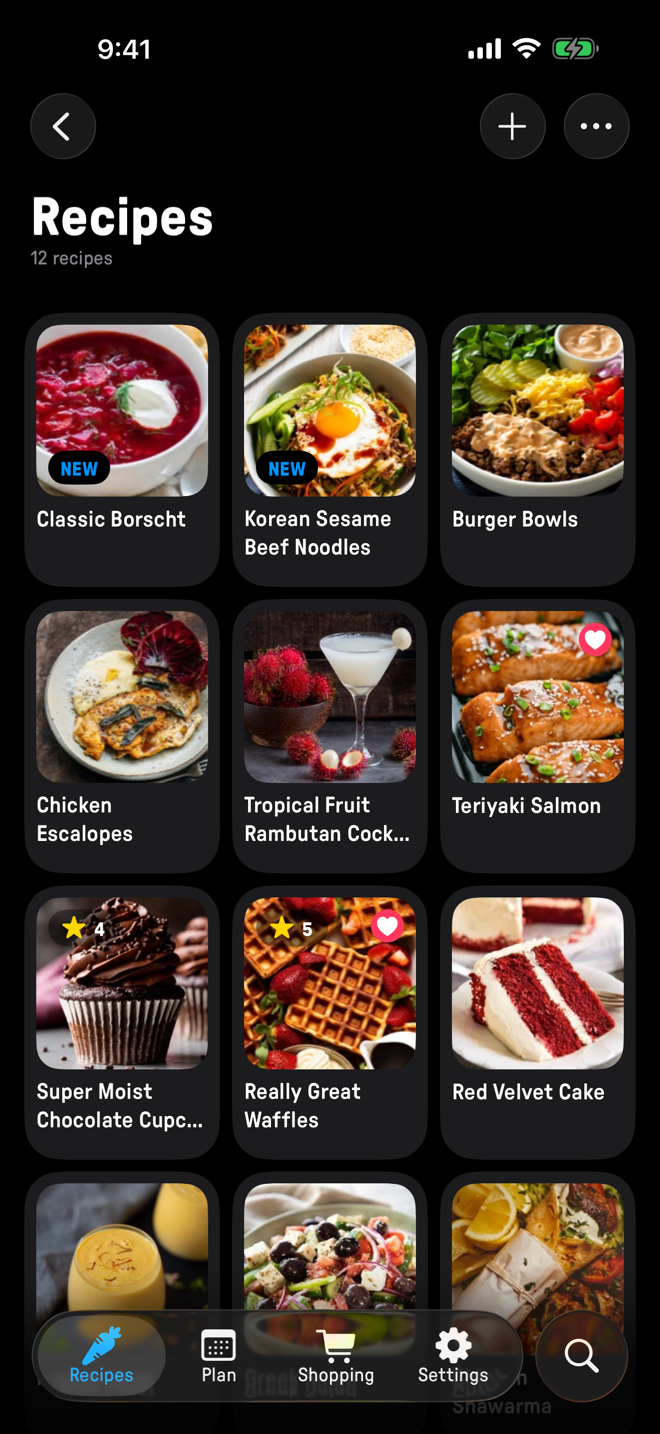
The recipe library list in Plate, showing saved recipes with photos and titles.

Recipes

Every recipe, kept the way you saved it.

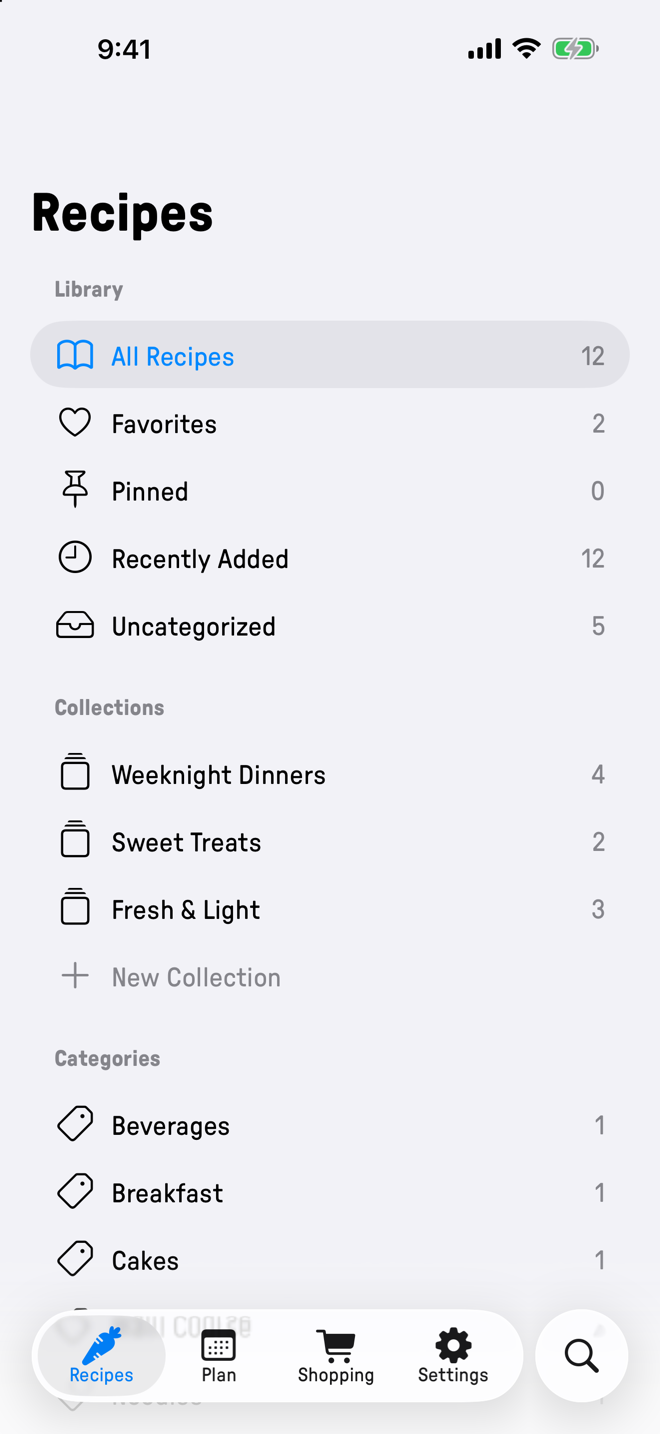
Organize your recipes into collections that make sense to you, view them by category, favorite the recipes you love making again and again, rate recipes that worked well.

The recipe library list in Plate, showing saved recipes with photos and titles.

Cook Mode

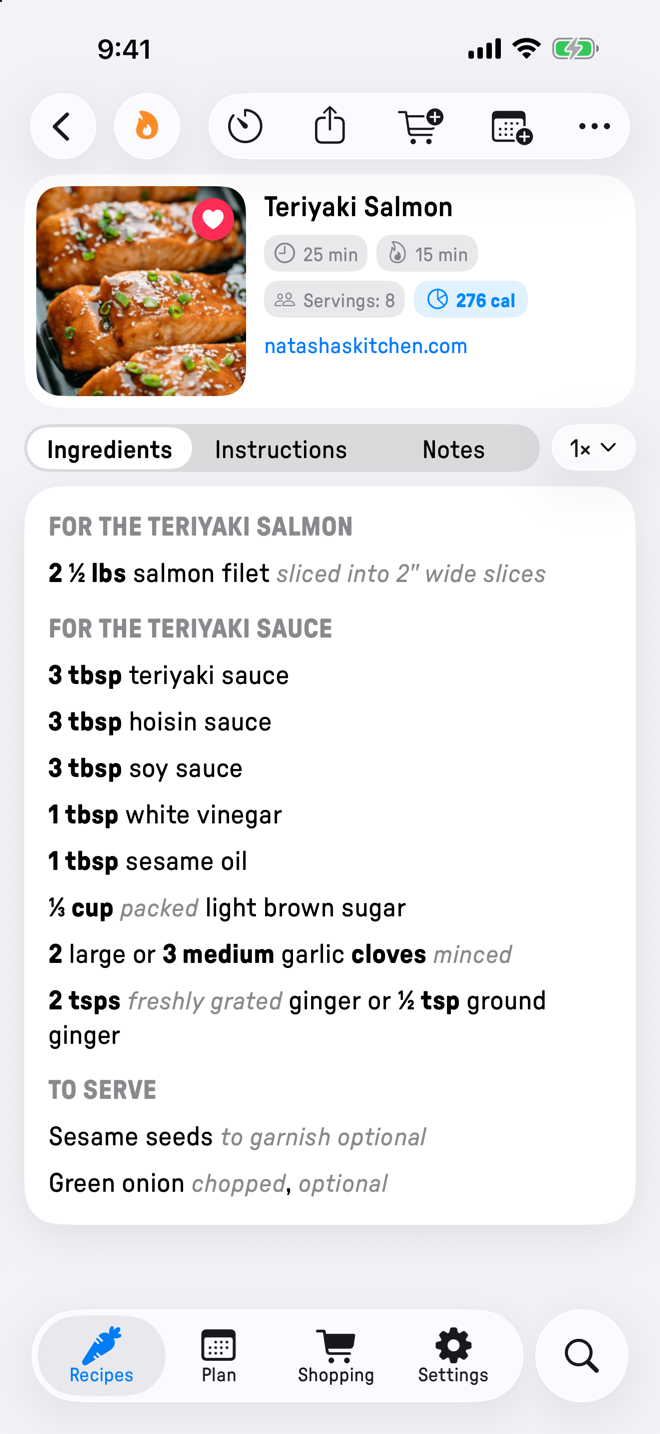
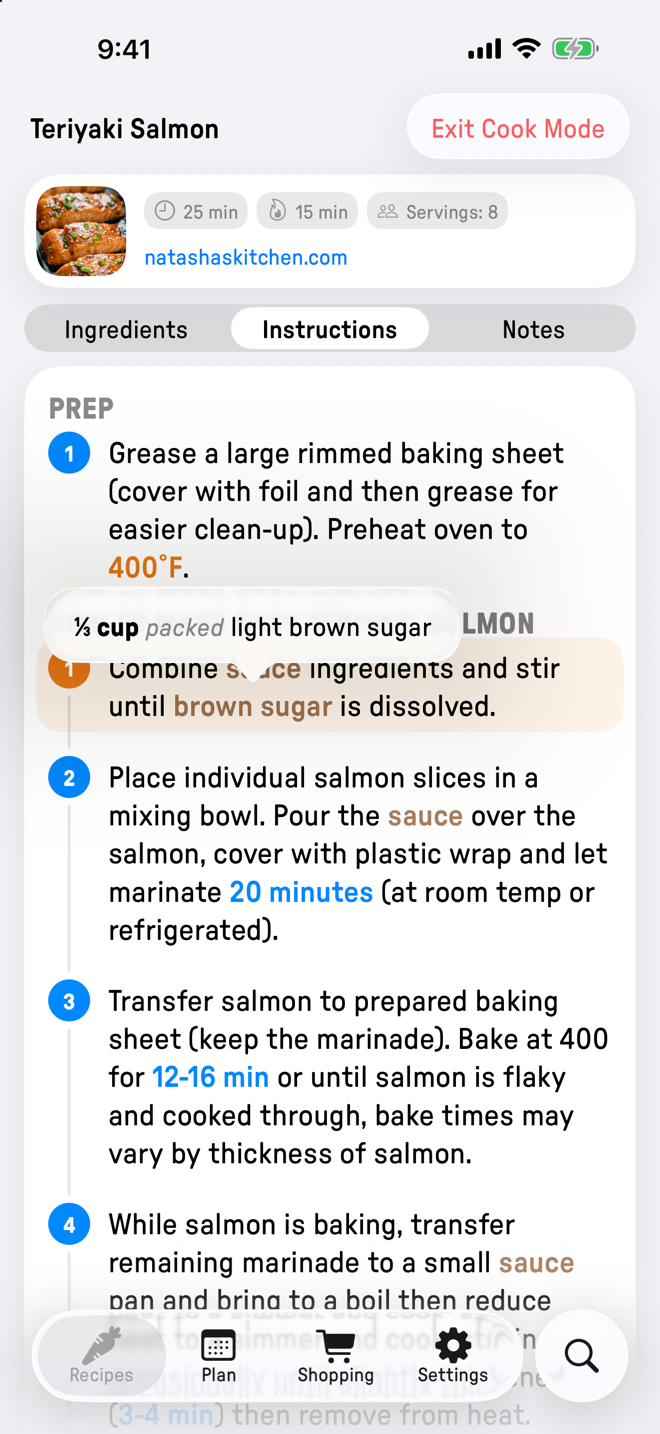
Larger text, focused on the recipe content. Screen stays on.

Cook from big, clear steps with extra details tucked away with protection against stray touches while your hands are busy.

Cook mode in Plate, showing a highlighted step in large text with an ingredient popover.

Meal Plan

Plan your week.

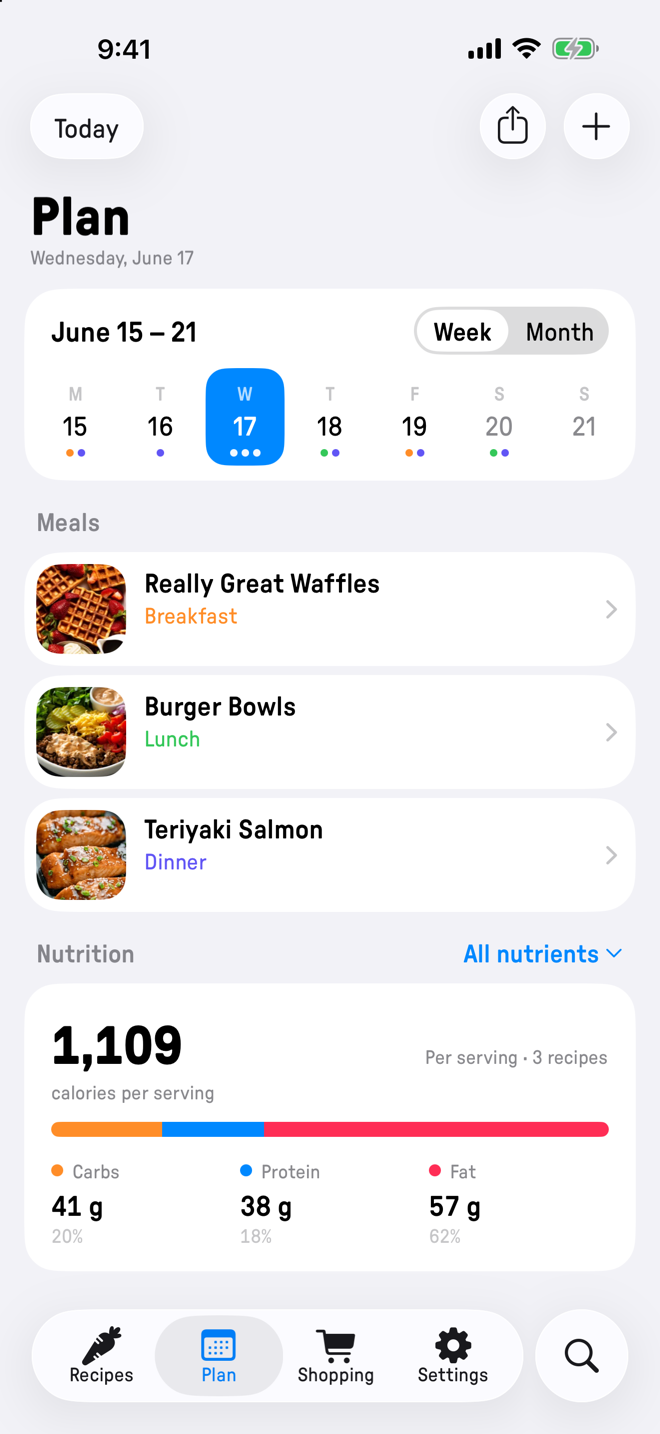
Put a recipe on any date, or a plain notes like allergies or make-ahead steps. Week and month views show the whole plan, day views show nutrition for all meals, totalled per serving.

Build the shopping list from any recipe and share it with the household through Apple Reminders.

The weekly meal plan in Plate, with recipes on each day and nutrition totals.

On-device intelligence

Point the camera at a cookbook page.

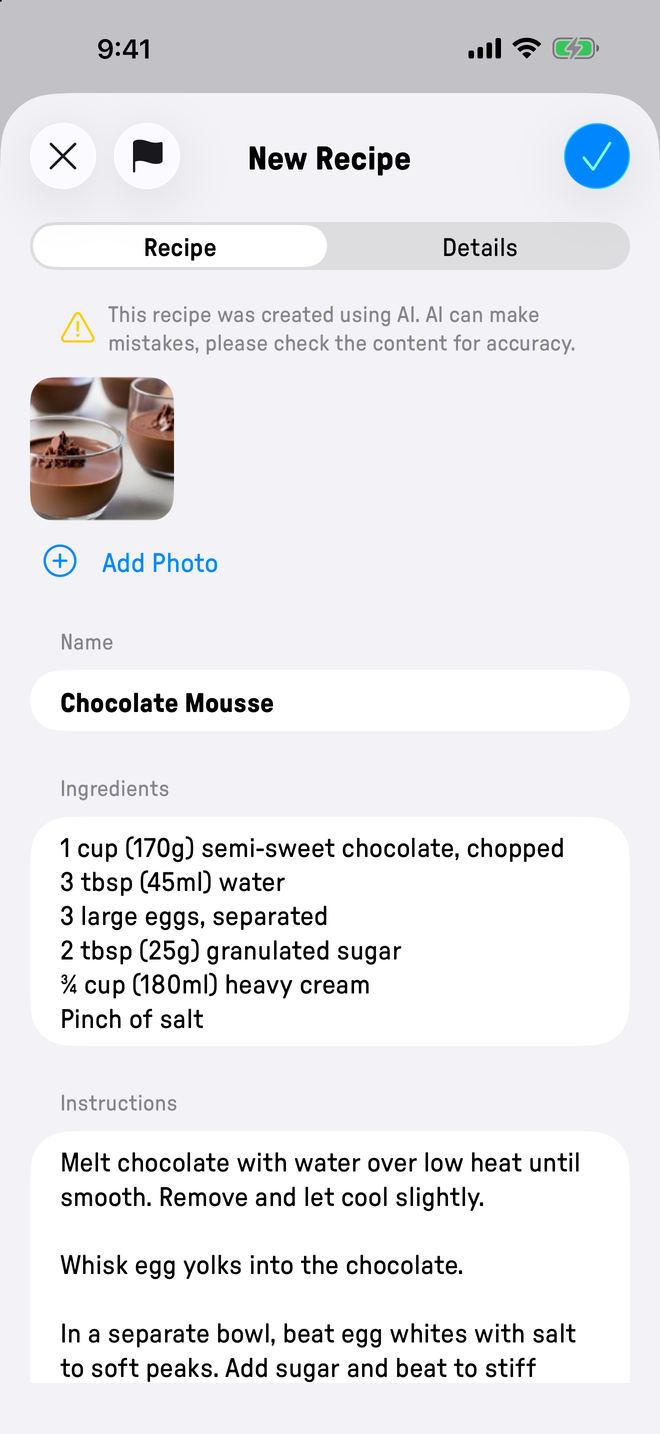
Plate reads the photo and pulls out the title, the ingredients, and every step. All of the processing runs on your iPhone.

Importing a recipe in Plate by pointing the camera at a cookbook page.

Light & Dark

Looks right, day or night.

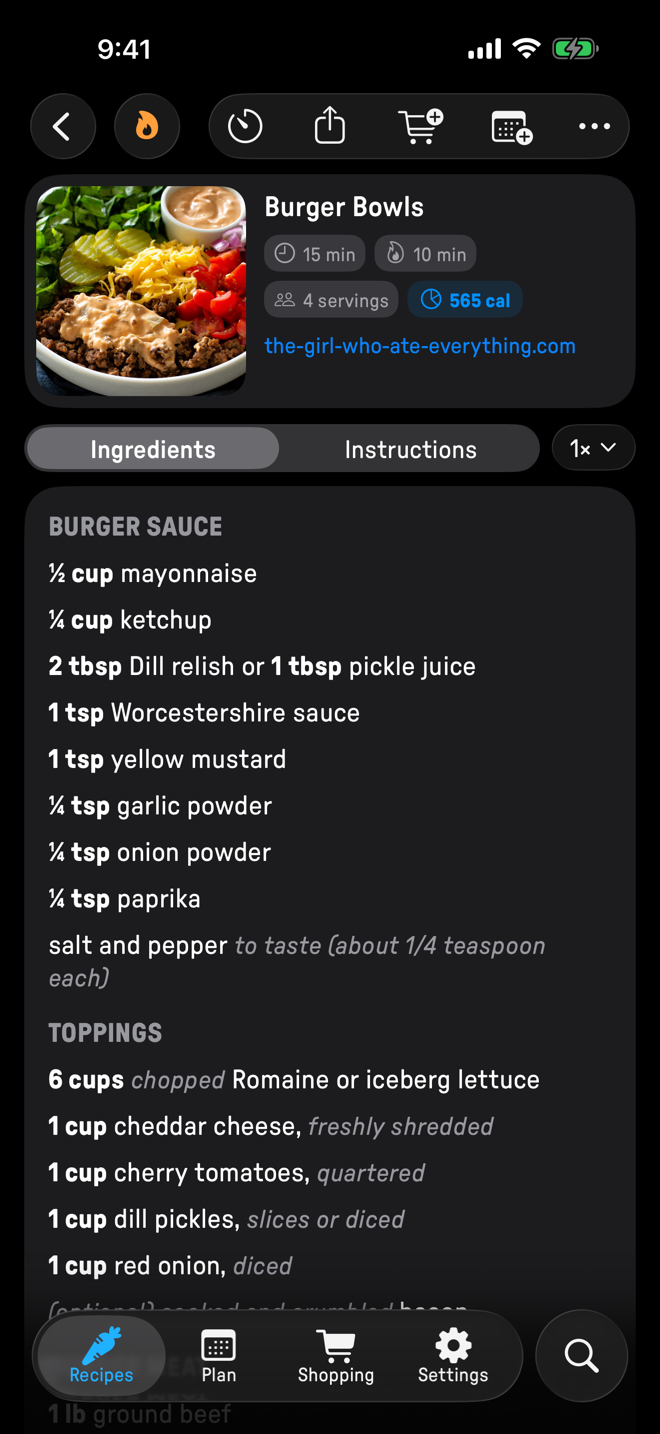
Whether you prefer light or dark mode, looks great in both.

The recipe library list in Plate in dark mode.
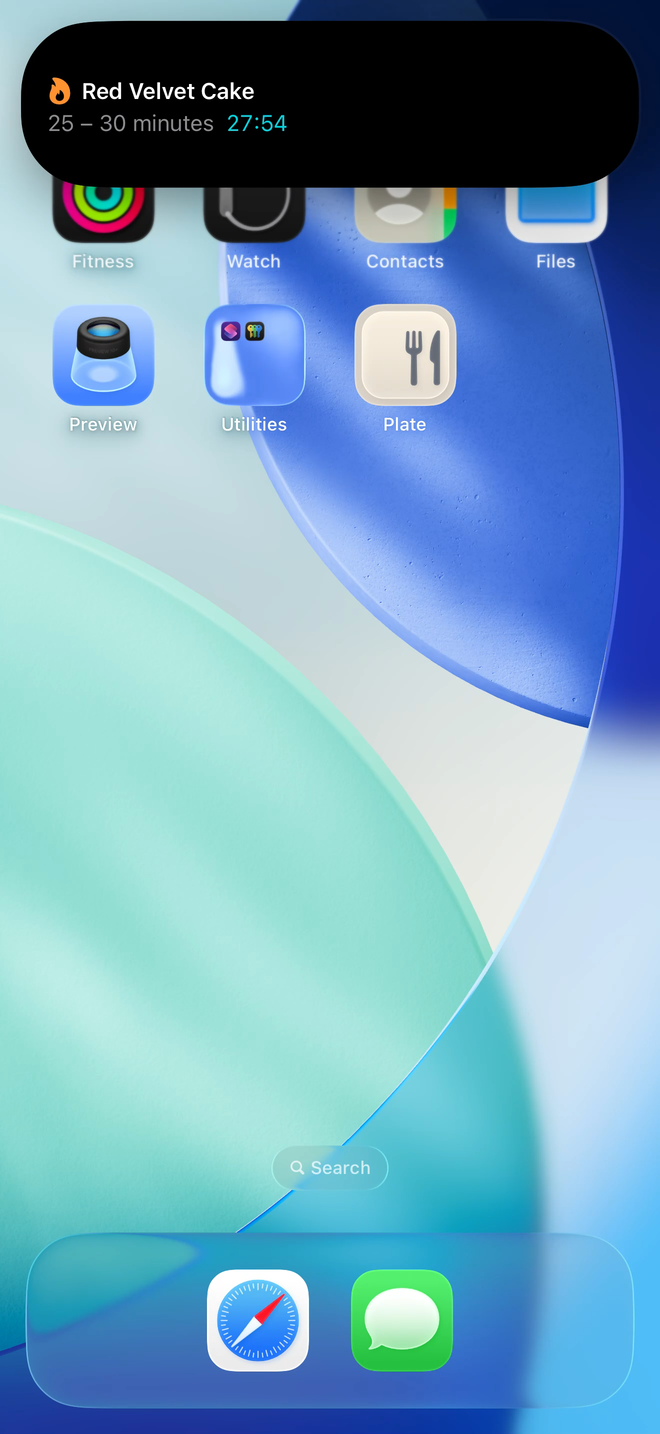
A cooking timer Live Activity for Plate expanded in the iPhone Dynamic Island.

Made for iOS 26+

At home on modern iOS.

Built fresh using Apple's new design language.

Everything in one place.

Recipes

Import and organize your recipes into collections, add notes, search and favorite.

Cook Mode

Larger text, accidental swipe protection, focus on the content.

Timers

Tap any duration in a step to start a timer, or start your own. Timers live in the Dynamic Island so you can keep an eye on them.

Meal Plan

Plan a recipe on any date, for any meal time. Week and month views show plan at a glance.

Shopping List

Add to it from any recipe, share it through Apple Reminders.

Import & export

From the web, a photo, or a PDF. Two-way support for Paprika, Recipe Keeper and Crouton.

Yours, end to end

Buy the app once. Keep your data to yourself.

Plate doesn't store data on servers we control, and needs no new account to use. No subscriptions, no ads, no in-app upsells.

Your iCloud account

Data is only stored on your phone and in your own private iCloud account.

No trackers

No analytics, no trackers, no signup.

On-device AI only

All the intelligence runs on your iPhone.

Works offline

Everything is stored locally and syncs in the background if you wish.

A few common questions.

Is Plate free?
Plate is a one-time purchase on the App Store.
Where is my data stored?
On your iPhone first, with a private backup in your own iCloud account. Your recipes never touch a server we control, and we cannot read them. The shopping list also writes to Apple Reminders so the rest of the household can see it, if you use a shared Reminders list.
Does Plate work offline?
Yes. Everything is stored locally and the iCloud backup catches up in the background. Web import only needs the Internet to read the source page; everything else works when you have no network access.
Can I disable syncing?
Yes. Settings → iCloud lets you turn it off.
Can I import from another recipe app?
Yes. Plate supports importing from Paprika, Recipe Keeper and Crouton. Whatever you brought in, you can export back out in the same format.
What about iPad and Mac?
Plate is iPhone-only today. iPad and Mac versions are in the works, and will ship when they feel right, not before.

For a more complete list of questions and answers, please see our Support page.

Start cooking with Plate.

One-time purchase on the App Store. No subscription, no account, no ads.